


Increasing server capacity is not simply a matter of adding more CPU, memory or another server. The first step is identifying what is actually limiting the workload. A system constrained by memory needs a different fix from one limited by storage I/O, network throughput or application architecture.
From there, capacity can usually be increased in two ways: scale up the existing server with more resources, or scale out by adding more servers and distributing the workload. In a physical data-centre environment, both approaches also require sufficient power, cooling, rack space, and connectivity to support the additional hardware.
What Does Server Capacity Actually Mean?
Server capacity is the amount of useful workload a system can handle while still meeting its performance and availability requirements.
That means capacity is not one number. It may be limited by CPU utilisation, available memory, storage performance, network bandwidth, application concurrency or the physical infrastructure supporting the server.
A server with spare disk space can still be at capacity if its processors are saturated. Likewise, adding memory will not solve the problem of a storage system that cannot deliver data quickly enough.
Before buying hardware, establish which resource is actually preventing the workload from growing.
Find the Bottleneck Before Adding Capacity
Alternative text: IT technician working at a workstation beside server and network equipment.
Start with measurements from the workload itself.
Look at utilisation and performance during normal operation and during the periods when the system is under the greatest pressure.
| Resource | What to look for |
|---|---|
| CPU | Sustained high utilisation, run queues and processing delays |
| Memory | Memory pressure, swapping or out-of-memory conditions |
| Storage | Capacity limits, latency, throughput and IOPS |
| Network | Interface utilisation, packet loss, latency and throughput |
| Application | Queue depth, response time and concurrency |
| Facility | Rack power, cooling headroom and remaining physical capacity |
Do not assume the most visible symptom identifies the actual constraint.
An application may appear CPU-bound because inefficient database queries are keeping processors busy. A network interface may appear heavily used because storage traffic is poorly distributed.
Measure enough of the complete service path to establish the cause rather than treating a symptom as the bottleneck.
Scale Up When One Server Still Makes Sense
Vertical scaling, or scaling up, increases the resources available to an existing server.
That may involve adding CPU capacity, increasing RAM, installing larger or faster storage, improving network interfaces or replacing the system with more capable hardware.
<u>IBM's comparison of scale-up and scale-out architectures</u> describes vertical scaling as adding resources such as processors, memory, storage or networking capacity to an existing system.
The appeal is often simplicity. If an application is designed around a single server, increasing the resources available to that machine can avoid some of the architectural work involved in distributing the workload across several systems.
There are physical limits, however. A chassis supports only certain processor, memory, PCIe, storage and power configurations. Eventually, the next capacity increase requires replacing the server rather than expanding it.
Vertical scaling can also concentrate more workload on a single physical system. Whether that increases operational risk depends on the application's redundancy, clustering and recovery design.
Scale Out When the Workload Can Be Distributed
Horizontal scaling increases capacity by adding more servers or nodes.
Instead of asking one machine to handle more work, the application distributes demand across several systems. This approach is common with web-server pools, application clusters, distributed databases, storage platforms and compute clusters.
Scaling out can increase total processing capacity and distribute work across several machines, but the application and surrounding architecture must be designed to use those additional nodes effectively.
Load balancing, session state, data consistency, storage access and communication between nodes can all affect the result.
Adding a second server therefore does not automatically double useful capacity. The software has to be able to turn that extra hardware into additional workload throughput.
Sometimes the Best Capacity Upgrade Is Better Utilisation
Before adding hardware, check whether existing capacity is being stranded.
<u>Uptime Institute's capacity-planning research</u> notes that servers can remain under-utilised even in virtualised environments, which means additional hardware is not always the first answer.
An estate may contain significant theoretical compute while delivering poor practical capacity because resources are fragmented or badly allocated.
That can include:
oversized virtual machines sitting mostly idle
memory assigned to services that rarely use it
older hardware occupying rack space while doing relatively little work
CPU resources that an application cannot parallelise
storage tiers that do not match workload behaviour
low-density hardware consuming power and rack space inefficiently
Consolidation can sometimes increase effective capacity without increasing server count.
A newer system may replace several older machines, or workloads may be redistributed so existing resources are used more evenly.
This is why capacity planning should start with utilisation data rather than the number of servers already installed.
Consider What the Upgrade Will Put Under Pressure Next
Increasing one resource can simply move the constraint somewhere else.
For example:
CPU upgrade → storage becomes the bottleneck
A faster processor allows more work to be requested, but the storage system cannot supply data quickly enough.
Additional servers → network becomes the bottleneck
Several nodes now generate more application, storage or east-west traffic than the existing network was designed to carry.
Higher-density hardware → facility becomes the bottleneck
The new servers fit into the rack physically, but available power or cooling cannot support them at sustained load.
Capacity planning therefore needs to account for what the upgrade will place under pressure next, not just the resource being upgraded today.
Check Power and Cooling Before Buying Denser Hardware
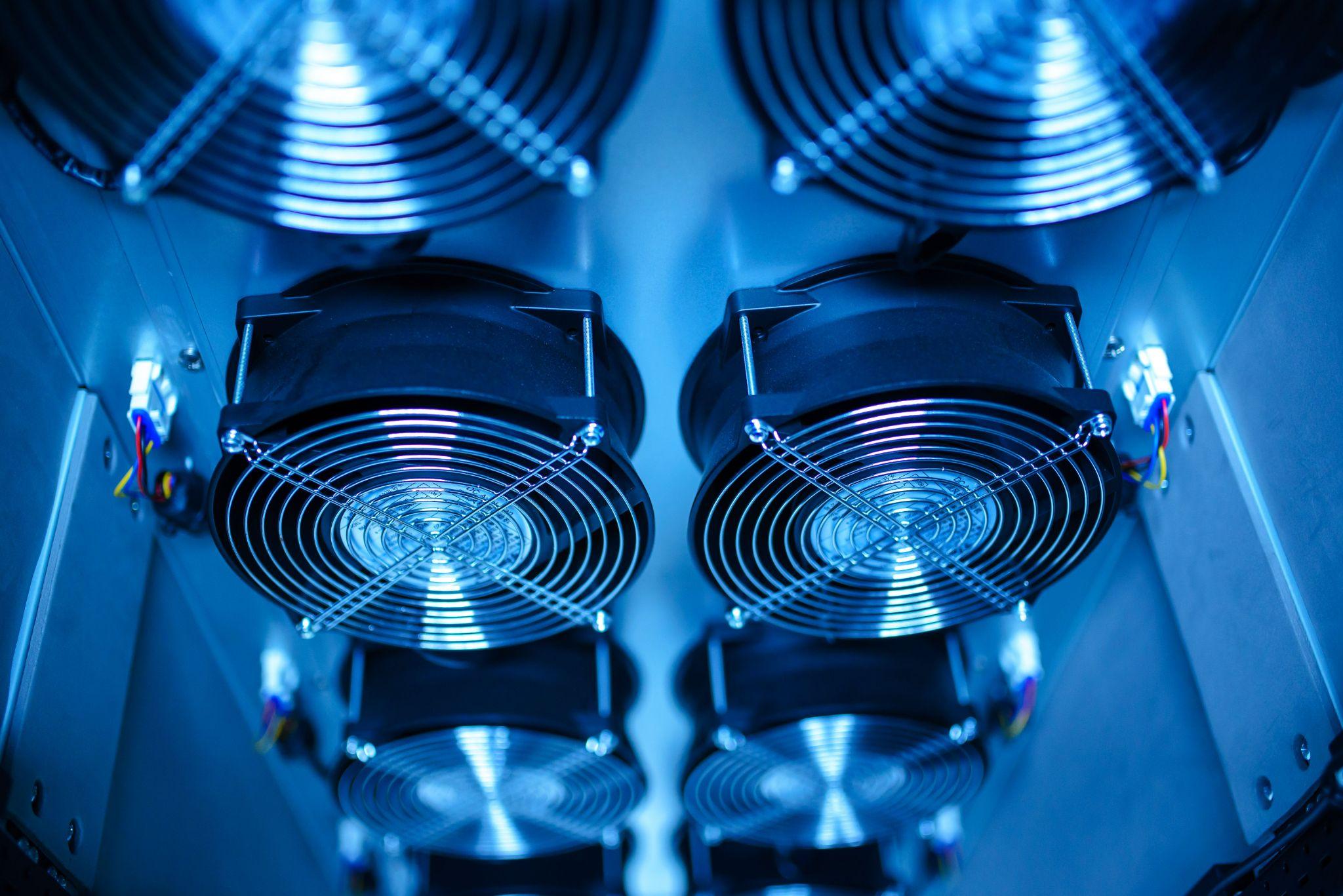
Alternative text: Cooling fans inside data centre equipment used to manage heat from server hardware.
This becomes particularly important when increasing capacity by replacing existing servers with more powerful systems.
Modern hardware can deliver significantly more compute within the same amount of rack space, but the facility still has to provide the electricity and remove the resulting heat.
Capacity-planning guidance from Uptime Institute also highlights the relationship between higher rack density and increased pressure on power, cooling and network infrastructure.
Do not ask only whether the new server will fit.
You also need to understand:
1. Its normal and peak power demand
2. The combined demand when several systems share a rack
3. Whether sufficient power is available on the required feeds
4. Whether the cooling system can handle the resulting heat load
5. Whether cabling and maintenance access remain practical
The answers determine whether a capacity increase is simply a server refresh or a wider infrastructure project.
Check the Current Power Position Before Expanding
Before adding servers or moving to denser hardware, it is worth establishing whether the existing environment has enough electrical and thermal headroom. Through our Power Assessment, we compare contracted versus drawn power, assess density and consolidation opportunities, and consider how different cooling approaches fit the proposed estate.
That gives us a clearer basis for deciding whether the current environment can support the planned increase or whether the supporting infrastructure needs to change with the hardware.
If you are preparing for a server upgrade or capacity expansion, <u>request a Power Assessment</u> before the hardware specification is finalised.
Know When Capacity Growth Becomes a Density Problem
For conventional enterprise systems, adding processors, memory, or servers may remain within established rack and cooling limits.
Accelerated computing can change that quickly.
The <u>Uptime Institute Global Data Center Survey 2026</u> reports that average modal rack densities continue to rise, with more operators reporting peak rack densities of 30 kW or above.
GPU servers used for AI, rendering and high-performance computing can place substantial compute capacity within a relatively small physical footprint. As more of that hardware is installed, electrical and thermal demand can rise faster than the rack count suggests.
Our guide to <u>when a GPU cluster outgrows standard colocation</u> looks more closely at the point where additional compute begins to affect power, cooling, cabling and maintenance requirements.
At that stage, simply spreading hardware across additional standard racks may not address the underlying infrastructure requirement. The facility design may need to change with the workload.
Capacity Planning Should Include the Next Upgrade
A hardware upgrade should not solve today's constraint only to create another one soon afterwards.
When planning additional capacity, record:
1. Current workload demand
2. Normal and peak utilisation
3. The present bottleneck
4. Expected workload growth
5. Hardware required to remove the constraint
6. New power and cooling demand
7. Network and storage impact
8. Rack and facility headroom after the upgrade
9. The likely next bottleneck
Identifying the likely next bottleneck is particularly useful because today's upgrade may simply move the constraint elsewhere.
If a CPU upgrade will push the storage layer close to its limit, include that in the plan now. If another two compute nodes would use most of the available rack power, that should be understood before the first one is installed.
Capacity planning should show not only what the next upgrade fixes, but what it makes possible afterwards.
Common Mistakes When Increasing Server Capacity
Several mistakes recur because capacity is treated as a hardware purchasing problem rather than a system problem.
Upgrading the Wrong Resource
More RAM will not resolve a workload limited by processor performance, storage latency or network throughput.
Assuming More Hardware Means More Application Capacity
Software that cannot use additional processors or nodes may gain little from extra compute.
Filling Empty Rack Space Without Checking Power
Unused rack units do not necessarily mean there is usable electrical or cooling capacity available.
Measuring Averages Instead of Peaks
Average utilisation can hide the periods when users actually encounter performance or capacity problems.
Ignoring Dependencies
A server upgrade can simply transfer the bottleneck to storage, networking, databases or another shared service.
Planning Only for Today's Workload
The capacity plan should account for expected growth and the likely next hardware change, not only the threshold currently triggering alerts.
Increase Capacity Where the Workload Is Actually Constrained

The most effective way to increase server capacity is to identify the limiting resource first.
If one machine still suits the application, scaling up may be the simplest route. If the workload can be distributed effectively, scaling out can increase capacity across several servers. In other environments, improving utilisation or consolidating existing systems may release capacity without adding hardware.
In a physical deployment, the available power, cooling, network capacity and rack infrastructure ultimately determine how far that hardware can scale.
Before expanding an existing server estate, <u>talk to us about the capacity you are planning</u>, and we can review the infrastructure requirements alongside the hardware.
Meta Title: How to Increase Server Capacity Without Bottlenecks | Carbon-Z
Meta Description: Learn how to increase server capacity by finding bottlenecks, scaling up or out, and checking power, cooling, network and rack infrastructure before expanding.
Focus keyword: Increasing server capacity
URL Slug: increasing-server-capacity
Featured image
Alternative text: Close-up of rack-mounted server hardware inside a data centre.



%20--%3e%3csvg%20version='1.1'%20id='Layer_1'%20xmlns='http://www.w3.org/2000/svg'%20xmlns:xlink='http://www.w3.org/1999/xlink'%20x='0px'%20y='0px'%20viewBox='0%200%20388.2%20150.6'%20style='enable-background:new%200%200%20388.2%20150.6;'%20xml:space='preserve'%3e%3cstyle%20type='text/css'%3e%20.st0{fill:%2304C7FD;}%20.st1{fill:%230068B5;}%20%3c/style%3e%3crect%20y='2.1'%20class='st0'%20width='28.1'%20height='28.1'/%3e%3cpath%20class='st1'%20d='M27.4,148.5V47.3H0.8v101.2H27.4z%20M204.2,149.5v-24.8c-3.9,0-7.2-0.2-9.6-0.6c-2.8-0.4-4.9-1.4-6.3-2.8%20c-1.4-1.4-2.3-3.4-2.8-6c-0.4-2.5-0.6-5.8-0.6-9.8V70.1h19.3V47.3h-19.3V7.8h-26.7v97.9c0,8.3,0.7,15.3,2.1,20.9%20c1.4,5.5,3.8,10,7.1,13.4s7.7,5.8,13,7.3c5.4,1.5,12.2,2.2,20.3,2.2L204.2,149.5L204.2,149.5z%20M357,148.5V0h-26.7v148.5H357z%20M132.5,57.2c-7.4-8-17.8-12-31-12c-6.4,0-12.2,1.3-17.5,3.9c-5.2,2.6-9.7,6.2-13.2,10.8l-1.5,1.9v-1.7V47.3H43v101.2h26.5V94.6v3.7%20c0-0.6,0-1.2,0-1.8c0.3-9.5,2.6-16.5,7-21c4.7-4.8,10.4-7.2,16.9-7.2c7.7,0,13.6,2.4,17.5,7c3.8,4.6,5.8,11.1,5.8,19.4l0,0v0.2l0,0%20l0,0v53.5h26.9V91C143.7,76.6,139.9,65.2,132.5,57.2z%20M316.5,97.7c0-7.3-1.3-14.1-3.8-20.5c-2.6-6.3-6.2-11.9-10.7-16.7%20c-4.6-4.8-10.1-8.5-16.5-11.2s-13.5-4-21.2-4c-7.3,0-14.2,1.4-20.6,4.1c-6.4,2.8-12,6.5-16.7,11.2s-8.5,10.3-11.2,16.7%20c-2.8,6.4-4.1,13.3-4.1,20.6c0,7.3,1.3,14.2,3.9,20.6c2.6,6.4,6.3,12,10.9,16.7c4.6,4.7,10.3,8.5,16.9,11.2%20c6.6,2.8,13.9,4.2,21.7,4.2c22.6,0,36.6-10.3,45-19.9l-19.2-14.6c-4,4.8-13.6,11.3-25.6,11.3c-7.5,0-13.7-1.7-18.4-5.2%20c-4.7-3.4-7.9-8.2-9.6-14.1l-0.3-0.9h79.5L316.5,97.7L316.5,97.7z%20M237.2,88.4c0-7.4,8.5-20.3,26.8-20.4c18.3,0,26.9,12.9,26.9,20.3%20L237.2,88.4z'/%3e%3cpath%20class='st1'%20d='M387.4,135.3c-0.5-1.2-1.2-2.2-2.1-3.1c-0.9-0.9-1.9-1.6-3.1-2.1s-2.5-0.8-3.8-0.8c-1.4,0-2.6,0.3-3.8,0.8%20c-1.2,0.5-2.2,1.2-3.1,2.1c-0.9,0.9-1.6,1.9-2.1,3.1c-0.5,1.2-0.8,2.5-0.8,3.8c0,1.4,0.3,2.6,0.8,3.8s1.2,2.2,2.1,3.1%20c0.9,0.9,1.9,1.6,3.1,2.1s2.5,0.8,3.8,0.8c1.4,0,2.6-0.3,3.8-0.8c1.2-0.5,2.2-1.2,3.1-2.1c0.9-0.9,1.6-1.9,2.1-3.1%20c0.5-1.2,0.8-2.5,0.8-3.8S387.9,136.5,387.4,135.3z%20M385.8,142.3c-0.4,1-1,1.9-1.7,2.6c-0.7,0.7-1.6,1.3-2.6,1.7s-2,0.6-3.2,0.6%20c-1.1,0-2.2-0.2-3.2-0.6c-1-0.4-1.9-1-2.6-1.7s-1.3-1.6-1.7-2.6c-0.4-1-0.6-2-0.6-3.2c0-1.1,0.2-2.2,0.6-3.2s1-1.9,1.7-2.6%20c0.7-0.7,1.6-1.3,2.6-1.7s2-0.6,3.2-0.6c1.1,0,2.2,0.2,3.2,0.6c1,0.4,1.9,1,2.6,1.7s1.3,1.6,1.7,2.6c0.4,1,0.6,2,0.6,3.2%20C386.5,140.3,386.2,141.3,385.8,142.3z%20M380.2,139.9c0.8-0.1,1.4-0.4,1.9-0.9s0.8-1.2,0.8-2.2c0-1.1-0.3-1.9-1-2.5%20c-0.6-0.6-1.7-0.9-3-0.9h-4.4v11.3h2.1v-4.6h1.5l2.8,4.6h2.2L380.2,139.9z%20M379.1,138.3c-0.3,0-0.6,0-1,0h-1.5v-3.2h1.5%20c0.3,0,0.6,0,1,0c0.3,0,0.6,0.1,0.9,0.2c0.3,0.1,0.5,0.3,0.6,0.5s0.2,0.5,0.2,0.9s-0.1,0.7-0.2,0.9c-0.2,0.2-0.4,0.4-0.6,0.5%20C379.7,138.2,379.4,138.3,379.1,138.3z'/%3e%3c/svg%3e)