

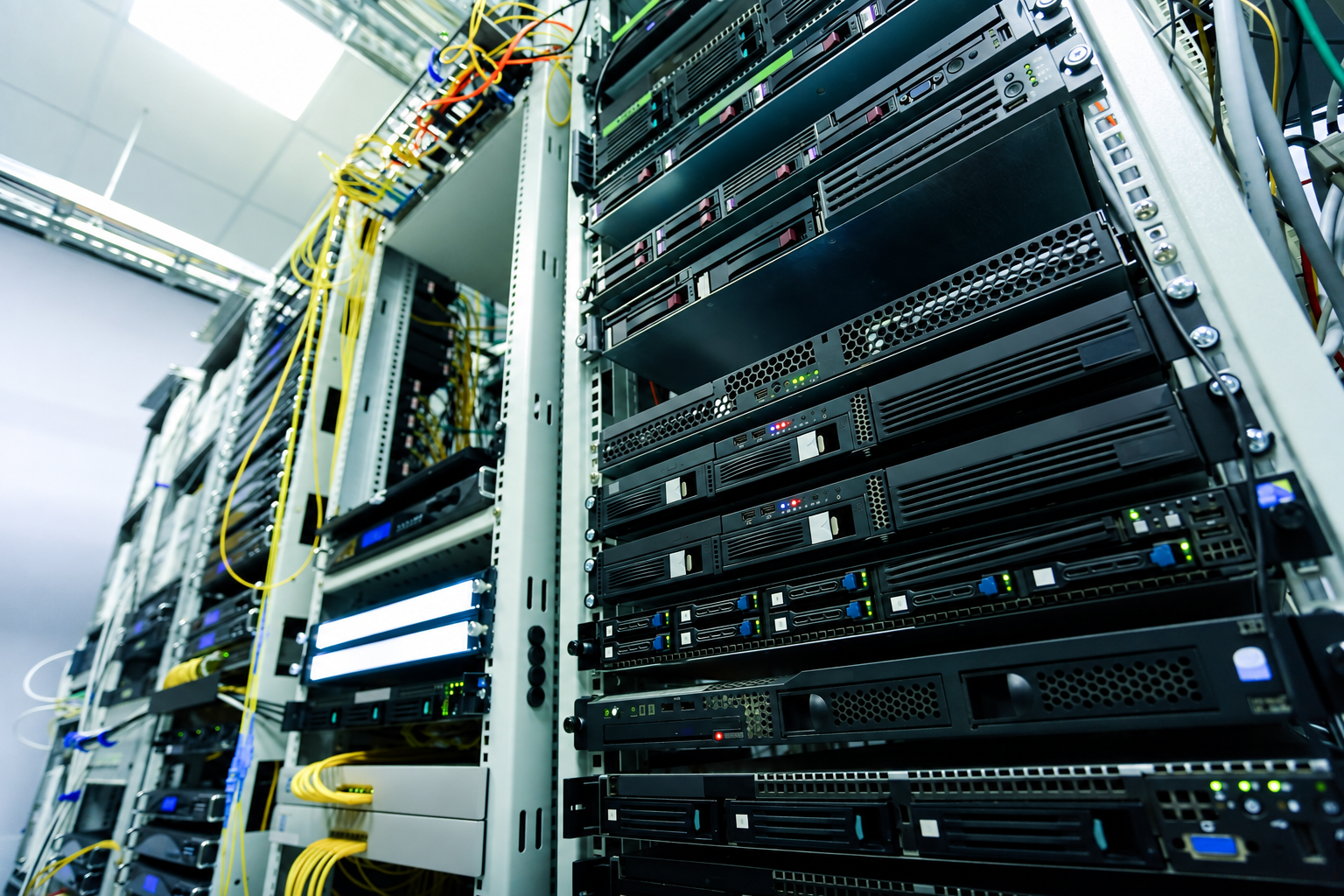
Colocation works by moving your own servers, storage and networking equipment into a professionally managed data centre. You continue to own and control the hardware, while the provider supplies the physical environment, including power, cooling, physical security, connectivity, and on-site support.
The process starts with understanding what your equipment needs. From there, the provider allocates suitable rack space, power and cooling, prepares connectivity, supports installation or migration and keeps the facility operating once your systems are live. Your team remains responsible for the IT environment unless you agree to additional managed services.
What actually changes when you move into colocation?
The main change is responsibility for the facility.
Your team keeps control of the IT estate. The colocation provider manages the building infrastructure that keeps it running.
| Area | Usually managed by you | Usually managed by the colocation provider |
|---|---|---|
| Servers, storage and switches | Yes | No |
| Operating systems and applications | Yes | No |
| Data and software configuration | Yes | No |
| Rack space | No | Yes |
| Power and cooling infrastructure | No | Yes |
| Physical site security | No | Yes |
| Connectivity | Shared | Shared |
| Physical hardware intervention | Your team or agreed support | Can be provided as a service |
The exact boundary depends on the agreement. Some organisations want their own engineers to handle almost everything inside the rack. Others use smart hands for physical tasks such as cabling, power cycling or component replacement.
That distinction matters because colocation does not mean giving up ownership of your infrastructure. You are moving the hardware into a specialist environment, not handing over control of the systems running on it.
How the colocation process works
1. Start with the workload, not the rack
A good colocation design starts with the equipment and workload rather than a generic rack package.
The provider needs to understand:
server, storage and network hardware
rack units and equipment dimensions
normal and peak power demand
heat output and cooling requirements
bandwidth and network requirements
resilience expectations
physical access and support needs
likely expansion or hardware refreshes
Two racks can contain a similar amount of hardware but impose very different demands on a facility. A conventional enterprise rack and a GPU-heavy compute rack may occupy roughly the same footprint while requiring very different levels of power and thermal management.
<u>ASHRAE's data-centre resources</u> cover environmental guidance, thermal management and cooling technologies for data-centre equipment. That is one reason rack density needs to be assessed alongside the operating conditions required by the hardware.
2. Work out the real power requirement
Alternative text: Rack-mounted servers and networking hardware inside a data centre.
Rack space is easy to visualise. Power is often what determines whether the deployment actually fits.
Every server, switch and storage system contributes to the total electrical load. Planning needs to account for normal consumption, peak demand, distribution and any resilience requirements.
A hardware refresh can change that calculation even when the rack count falls. Replacing several older servers with fewer, more powerful systems may reduce the physical footprint while increasing the power demand per rack.
For standard servers, storage and networking equipment, our <u>Air-Cooled Colocation</u> is designed for conventional compute, storage and networking workloads where air cooling remains appropriate. It provides a rack-based environment with resilient power, while allowing the cooling approach to be reassessed if the estate becomes denser.
If you are unsure whether your contracted power reflects what the hardware actually draws, our <u>Power Assessment</u> can help establish the current position before you commit to a new deployment. We compare contracted and actual power use, assess density and cooling options and model how the environment may need to change.
The useful question is therefore not simply "How many racks do we need?" It is "How much power do these racks need now, and what happens after the next hardware cycle?"
3. Match cooling to the density
Power and cooling cannot be planned separately. Electricity consumed by IT equipment becomes heat that the facility has to remove.
For conventional enterprise workloads, air cooling can remain appropriate. As rack density rises, the thermal design may need to change.
AI, GPU and high-performance computing are the clearest examples. These workloads can concentrate much more power into the same rack footprint than traditional enterprise infrastructure.
For that type of estate, our <u>HPC Colocation</u> is designed around sustained high-density compute rather than treating it as a larger version of standard colocation. We assess the workload, power demand and cooling requirements so the environment is matched to the hardware you intend to run.
Depending on the deployment, that may involve air cooling, direct-to-chip cooling, immersion cooling or a combination. Cooling should follow the rack's sustained heat load and the requirements of the hardware. A conventional server rack does not need the same thermal design as a dense GPU cluster.
For a GPU or HPC deployment, that assessment should happen before procurement or migration. Hardware density, cooling method and available power need to align before the equipment reaches the rack.
4. Plan the network before moving anything
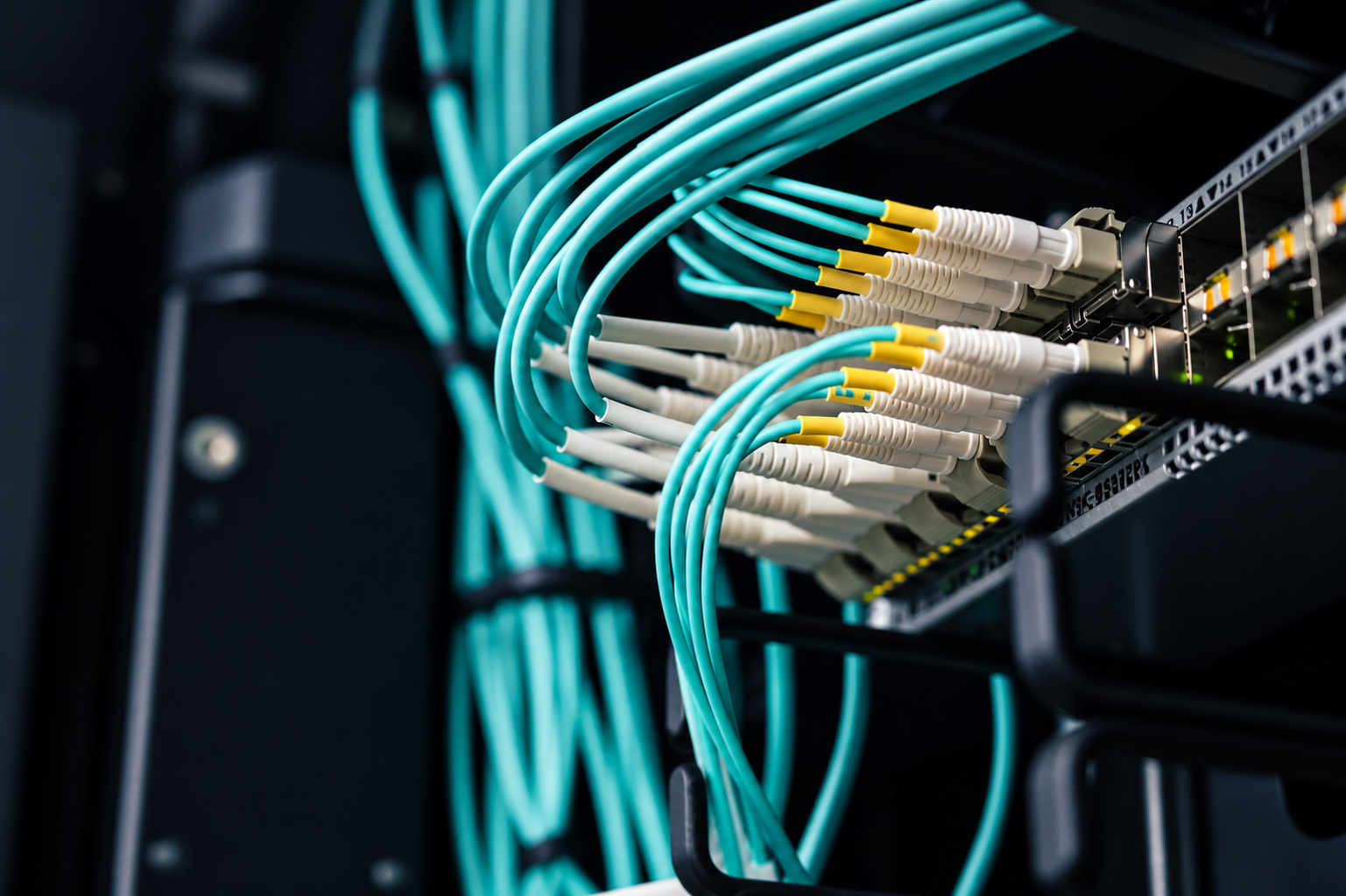
Alternative text: Network cables connected to data centre switching equipment.
A powered and cooled server is still unusable if the network path has not been prepared.
Before installation, you need to know how the equipment will reach users, cloud platforms, private services and other sites it depends on.
That can involve:
internet transit
carrier circuits
cross-connects
private network links
diverse routes
firewall and routing changes
remote management connectivity
Bandwidth matters, but it is only one part of the design. Latency, carrier choice, route diversity, failover and circuit lead times can all affect the migration.
Carrier circuits, routing changes and remote-management access should be proven before migration day, not discovered while the servers are already in transit.
5. Prepare the destination
The destination environment should be ready before production hardware leaves its current location.
That means confirming rack positions, power feeds, network circuits, cabling, remote management access and site-access arrangements.
For a live estate, the migration plan should also identify:
application and system dependencies
the order in which equipment will move
acceptable downtime
replication requirements
test criteria
rollback triggers
who can approve go-live
Our <u>data centre migration checklist</u> covers the practical preparation around dependencies, rollback planning, destination readiness and validation before cutover.
The physical transport of servers is only one part of the work. Migration problems are often caused by unresolved dependencies, unclear sequencing or assumptions that were never tested.
6. Install, connect and test
Once the destination is ready, the hardware can be racked, powered and connected.
Installation may be completed by your own engineers, the provider's team or both. Before production traffic moves across, test the complete service path rather than checking only that the equipment powers on.
That can include:
server and storage health
remote management access
routing, DNS and firewall behaviour
application availability
monitoring and alerting
backup and recovery processes
failover arrangements
escalation contacts
Power-on is only the first check. Go-live should depend on the network, storage, monitoring and application tests agreed before the move.
What happens once colocation is live?
After go-live, the responsibility split continues.
Your team manages the servers, applications and data. The provider operates the facility systems around them according to the service agreement.
Physical access is part of that model. The <u>National Cyber Security Centre's guidance on asset protection and resilience</u> advises organisations to consider whether provider controls adequately protect systems against unauthorised physical access, tampering, theft or reconfiguration.
In practice, you should know:
who can enter the data hall
how access is authorised and logged
what your engineers can access
what the provider's engineers are authorised to do
how urgent physical work is escalated
If your team cannot travel to the site for every intervention, smart hands can cover agreed physical tasks. The scope should be clear before you need it, especially for out-of-hours incidents.
How resilience fits into colocation
Colocation does not automatically make every workload highly available.
The facility can provide resilient power, cooling and connectivity options, but the overall service still depends on how your own infrastructure is designed.
The <u>Uptime Institute Tier Standard</u> distinguishes facility infrastructure according to characteristics such as redundancy and maintainability. The useful point for a colocation buyer is that resilience comes from architecture rather than from the words "data centre" on their own.
For your deployment, that may mean dual power supplies, diverse network paths, redundant switches, clustered systems or replication to another location. The appropriate design depends on how much disruption the service can tolerate.
How does colocation scale?
Scaling does not always mean taking another rack.
| Change in your estate | What may need to change |
|---|---|
| More servers | Rack space and power |
| Higher-spec hardware | Power allocation and cooling |
| GPU or HPC deployment | Density and cooling method |
| More traffic | Network capacity |
| Higher availability requirement | Power and network diversity |
| Larger footprint | Additional racks or private space |
Ask what the next hardware generation will draw before signing off the current rack allocation. A deployment that fits comfortably today may become constrained if replacement equipment is denser, hotter or more network-intensive.
The key point
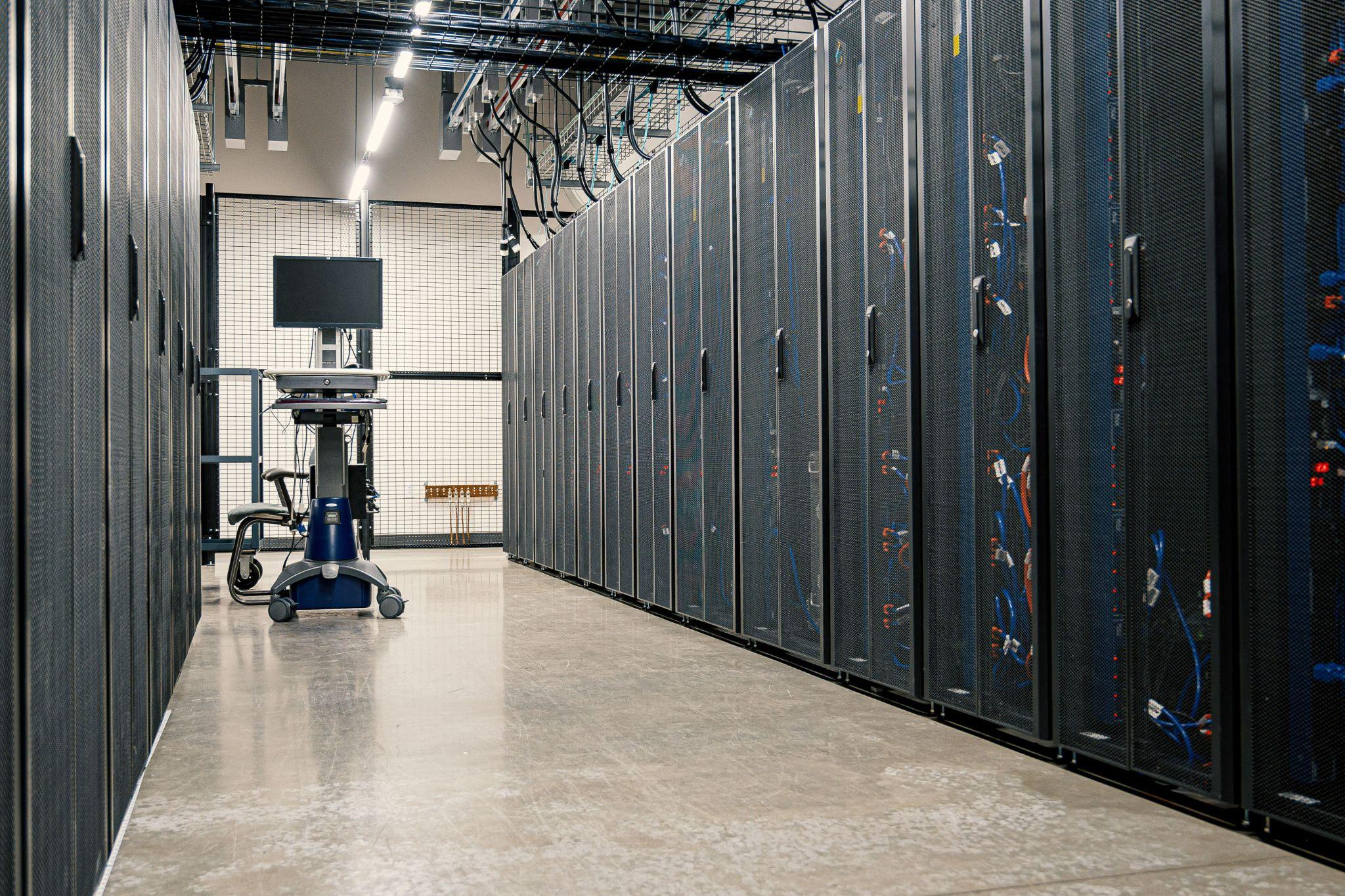
Colocation works by separating ownership of the IT equipment from operation of the physical facility.
You keep control of the servers and the services running on them. The provider supplies the rack environment, power, cooling, physical security, connectivity options and on-site support required to operate that equipment.
Most colocation problems begin before the equipment reaches the rack, with an incorrect power assumption, an unfinished circuit, an overlooked dependency or a cooling requirement that was never properly scoped.
When we scope a deployment, we look at the hardware, sustained power draw, cooling requirement and connectivity before deciding what environment it belongs in. If you are planning a new deployment, migration or increase in rack density, <u>contact our team</u> to discuss the infrastructure requirements before you commit to the move.
Meta Title: How Does Colocation Work? A Practical Guide | Carbon-Z
Meta Description: Learn how colocation works, from rack space, power and cooling to connectivity, migration and support, so you can plan the right environment for your hardware.
Focus keyword: How does colocation work
URL Slug: how-does-colocation-work
Featured image
Alternative text: Server racks lining a secure colocation data centre aisle.



%20--%3e%3csvg%20version='1.1'%20id='Layer_1'%20xmlns='http://www.w3.org/2000/svg'%20xmlns:xlink='http://www.w3.org/1999/xlink'%20x='0px'%20y='0px'%20viewBox='0%200%20388.2%20150.6'%20style='enable-background:new%200%200%20388.2%20150.6;'%20xml:space='preserve'%3e%3cstyle%20type='text/css'%3e%20.st0{fill:%2304C7FD;}%20.st1{fill:%230068B5;}%20%3c/style%3e%3crect%20y='2.1'%20class='st0'%20width='28.1'%20height='28.1'/%3e%3cpath%20class='st1'%20d='M27.4,148.5V47.3H0.8v101.2H27.4z%20M204.2,149.5v-24.8c-3.9,0-7.2-0.2-9.6-0.6c-2.8-0.4-4.9-1.4-6.3-2.8%20c-1.4-1.4-2.3-3.4-2.8-6c-0.4-2.5-0.6-5.8-0.6-9.8V70.1h19.3V47.3h-19.3V7.8h-26.7v97.9c0,8.3,0.7,15.3,2.1,20.9%20c1.4,5.5,3.8,10,7.1,13.4s7.7,5.8,13,7.3c5.4,1.5,12.2,2.2,20.3,2.2L204.2,149.5L204.2,149.5z%20M357,148.5V0h-26.7v148.5H357z%20M132.5,57.2c-7.4-8-17.8-12-31-12c-6.4,0-12.2,1.3-17.5,3.9c-5.2,2.6-9.7,6.2-13.2,10.8l-1.5,1.9v-1.7V47.3H43v101.2h26.5V94.6v3.7%20c0-0.6,0-1.2,0-1.8c0.3-9.5,2.6-16.5,7-21c4.7-4.8,10.4-7.2,16.9-7.2c7.7,0,13.6,2.4,17.5,7c3.8,4.6,5.8,11.1,5.8,19.4l0,0v0.2l0,0%20l0,0v53.5h26.9V91C143.7,76.6,139.9,65.2,132.5,57.2z%20M316.5,97.7c0-7.3-1.3-14.1-3.8-20.5c-2.6-6.3-6.2-11.9-10.7-16.7%20c-4.6-4.8-10.1-8.5-16.5-11.2s-13.5-4-21.2-4c-7.3,0-14.2,1.4-20.6,4.1c-6.4,2.8-12,6.5-16.7,11.2s-8.5,10.3-11.2,16.7%20c-2.8,6.4-4.1,13.3-4.1,20.6c0,7.3,1.3,14.2,3.9,20.6c2.6,6.4,6.3,12,10.9,16.7c4.6,4.7,10.3,8.5,16.9,11.2%20c6.6,2.8,13.9,4.2,21.7,4.2c22.6,0,36.6-10.3,45-19.9l-19.2-14.6c-4,4.8-13.6,11.3-25.6,11.3c-7.5,0-13.7-1.7-18.4-5.2%20c-4.7-3.4-7.9-8.2-9.6-14.1l-0.3-0.9h79.5L316.5,97.7L316.5,97.7z%20M237.2,88.4c0-7.4,8.5-20.3,26.8-20.4c18.3,0,26.9,12.9,26.9,20.3%20L237.2,88.4z'/%3e%3cpath%20class='st1'%20d='M387.4,135.3c-0.5-1.2-1.2-2.2-2.1-3.1c-0.9-0.9-1.9-1.6-3.1-2.1s-2.5-0.8-3.8-0.8c-1.4,0-2.6,0.3-3.8,0.8%20c-1.2,0.5-2.2,1.2-3.1,2.1c-0.9,0.9-1.6,1.9-2.1,3.1c-0.5,1.2-0.8,2.5-0.8,3.8c0,1.4,0.3,2.6,0.8,3.8s1.2,2.2,2.1,3.1%20c0.9,0.9,1.9,1.6,3.1,2.1s2.5,0.8,3.8,0.8c1.4,0,2.6-0.3,3.8-0.8c1.2-0.5,2.2-1.2,3.1-2.1c0.9-0.9,1.6-1.9,2.1-3.1%20c0.5-1.2,0.8-2.5,0.8-3.8S387.9,136.5,387.4,135.3z%20M385.8,142.3c-0.4,1-1,1.9-1.7,2.6c-0.7,0.7-1.6,1.3-2.6,1.7s-2,0.6-3.2,0.6%20c-1.1,0-2.2-0.2-3.2-0.6c-1-0.4-1.9-1-2.6-1.7s-1.3-1.6-1.7-2.6c-0.4-1-0.6-2-0.6-3.2c0-1.1,0.2-2.2,0.6-3.2s1-1.9,1.7-2.6%20c0.7-0.7,1.6-1.3,2.6-1.7s2-0.6,3.2-0.6c1.1,0,2.2,0.2,3.2,0.6c1,0.4,1.9,1,2.6,1.7s1.3,1.6,1.7,2.6c0.4,1,0.6,2,0.6,3.2%20C386.5,140.3,386.2,141.3,385.8,142.3z%20M380.2,139.9c0.8-0.1,1.4-0.4,1.9-0.9s0.8-1.2,0.8-2.2c0-1.1-0.3-1.9-1-2.5%20c-0.6-0.6-1.7-0.9-3-0.9h-4.4v11.3h2.1v-4.6h1.5l2.8,4.6h2.2L380.2,139.9z%20M379.1,138.3c-0.3,0-0.6,0-1,0h-1.5v-3.2h1.5%20c0.3,0,0.6,0,1,0c0.3,0,0.6,0.1,0.9,0.2c0.3,0.1,0.5,0.3,0.6,0.5s0.2,0.5,0.2,0.9s-0.1,0.7-0.2,0.9c-0.2,0.2-0.4,0.4-0.6,0.5%20C379.7,138.2,379.4,138.3,379.1,138.3z'/%3e%3c/svg%3e)