

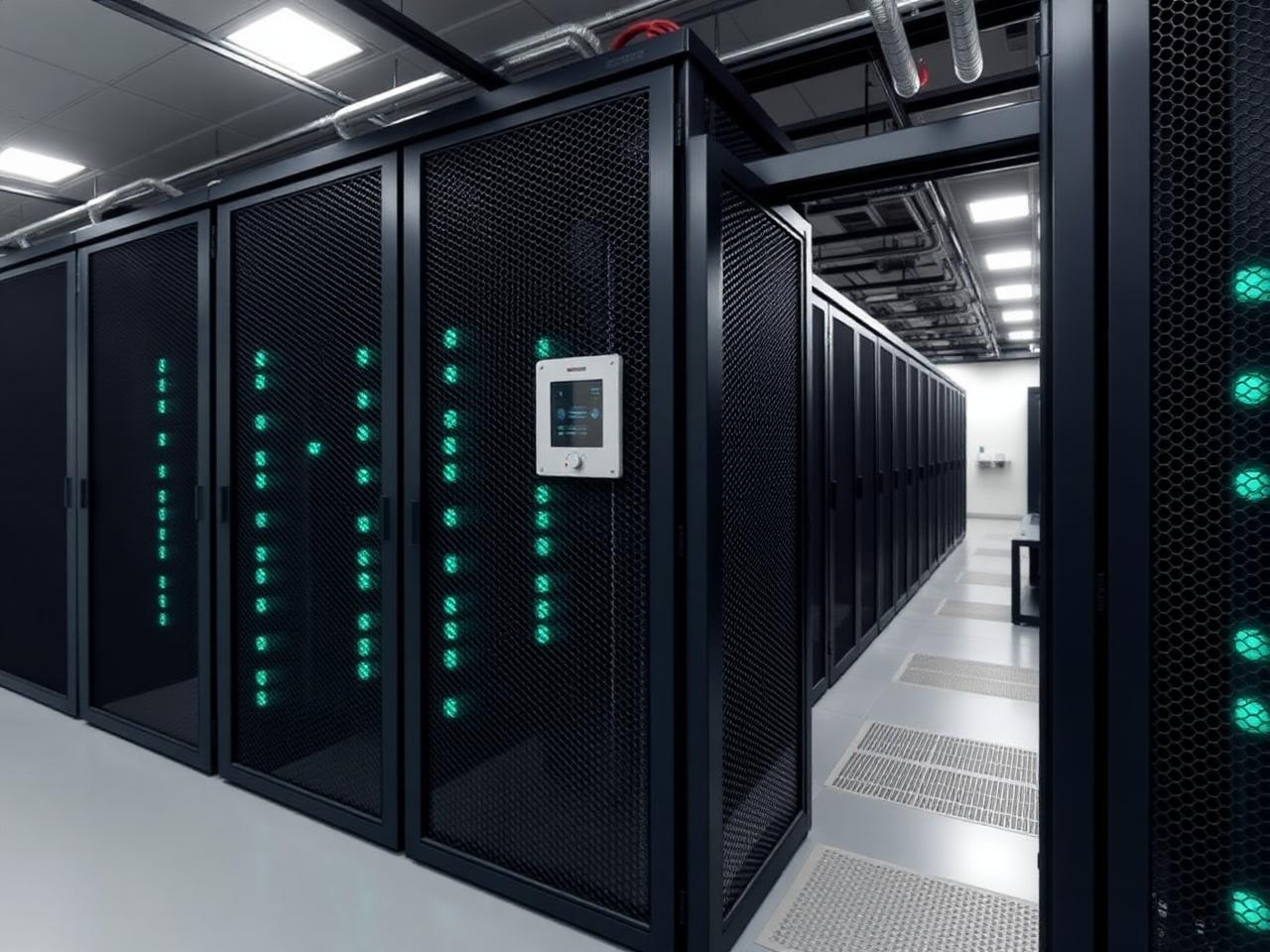
Every few months, we see the same pattern in power assessment conversations: an organisation is paying cloud rates for workloads that have been running at steady load for two or three years, with no meaningful spikes, no burst requirements, and a data transfer volume that generates egress charges they did not budget for. The question of whether to stay in the cloud or move to colocation usually has a clear answer by the time the numbers are on the table. The problem is that most organisations do not run those numbers until the bill becomes impossible to ignore.
This post sets out the factors that determine which model is right for a given workload, where each has a genuine advantage, and what the current evidence says about where enterprise infrastructure strategy is actually heading.
Two Models, One Real Question
Colocation and cloud are both forms of outsourcing your physical infrastructure. The difference is in where the ownership and control sit.
With colocation, you own the hardware. You are paying for rack space, power, cooling, and connectivity inside a managed facility, and everything that goes into those racks is yours to configure, control, and keep. With cloud, you own nothing physical. You are renting compute, storage, and networking from a provider's shared pool on a consumption basis, with the provider managing the infrastructure entirely.
Both models can give you high availability, resilient power, and strong connectivity. The question is not which is technically capable. It is which one is economically rational and operationally appropriate for the specific workloads you are running.
Cloud has real advantages in specific situations, and it is worth being precise about what those are rather than dismissing it wholesale.
If you need significant additional compute capacity for a product launch, a data processing batch, or seasonal traffic, and you will not need it in two months, cloud is the correct model. Owning hardware to cover peaks you hit occasionally is capital deployed poorly.
Before you understand your steady-state requirements, cloud lets you defer hardware commitment until the workload profile is clear. The ability to change architecture without stranded assets is a genuine operational advantage for teams still establishing what they actually need.
Managed AI services, large language model APIs, globally distributed content delivery, and serverless compute are not things you replicate in a colocation rack. For organisations building on top of these managed services, cloud is the only viable option regardless of cost per unit.
Where Colocation Has a Structural Advantage
Cloud pricing is built around flexibility. That is a strength when demand varies. For workloads that are persistent, predictable, and running at consistent utilisation, it becomes a cost structure you are paying for without using.
Cloud providers charge for the option to scale. For workloads running at 70% utilisation or above around the clock, owned hardware in a colocation facility typically reaches a lower total cost of ownership within 18 to 24 months compared to equivalent cloud capacity, once reserved instance pricing, support tiers, and storage costs are factored in. The crossover is faster than most finance teams expect when they first model it.
The most cited real-world example of this remains Dropbox. Between 2013 and 2016, the company migrated the majority of its storage infrastructure from AWS to its own colocation facilities. According to Dropbox's own technical reporting, cited by InfoWorld , the move saved close to $75 million over two years and gave the company direct control over its storage architecture. Dropbox's circumstances were specific to large-scale storage, but the underlying economics apply to any high-utilisation, steady-state workload at sufficient scale.
Egress fees are the most frequently underestimated cost in cloud deployments. Charges apply each time data moves out of a cloud provider's environment, and for workloads that process or transfer large volumes regularly, those charges accumulate in ways that were not visible at procurement. Data housed on owned hardware in a colocation facility does not generate egress charges.
GDPR, the UK Data Protection Act, financial services regulation, and the EU's Digital Operational Resilience Act (DORA), which became enforceable in January 2025, all create obligations around where data physically resides and who can access it. Colocation gives you direct, auditable knowledge of the physical location of your infrastructure, who has access to it, and under which jurisdiction it sits. Establishing the same certainty in a multi-tenant cloud environment requires careful contractual navigation and is not always achievable for the most sensitive workload categories.
The direction of enterprise infrastructure decisions is visible in the data. The Barclays CIO Survey for Q4 2024, reported by CIO.com , found that 86% of enterprise CIOs planned to move at least some workloads from public cloud to private or on-premises infrastructure. That figure was 43% in 2020. IDC's June 2024 report on workload repatriation found that nearly half of cloud buyers spent more than anticipated in 2023, with 59% expecting similar overruns the following year.
Neither figure signals a mass exit from the cloud. They signal that organisations are being more deliberate about which workloads belong where, rather than applying a blanket cloud-first policy regardless of workload shape.
For workloads running at 70% or above utilisation continuously, on hardware generating consistent egress volumes, or subject to data residency obligations, the case for colocation tends to strengthen considerably beyond the 18-month mark.
The practical approach is a workload-by-workload assessment rather than a policy-level commitment to either model. Most organisations settle into a hybrid position: cloud for elastic, globally distributed, or managed-service-dependent workloads, and colocation for persistent, high-density, or compliance-constrained ones.
For each significant workload, the questions that determine placement are:
Does it run at consistent utilisation, or does demand fluctuate materially across the week or year?
What is the monthly data transfer volume, and what would egress charges be at current or projected scale?
Does it carry data residency obligations or regulatory requirements that specify physical location?
What does the three-to-five-year total cost look like, including egress, reserved instance pricing, and support tiers on the cloud side against hardware amortisation, power, and colocation fees on the other?
Workloads that run continuously at high load, transfer large data volumes, or carry compliance constraints generally belong in colocation. Workloads that are seasonal, spiky, or built on managed cloud services generally do not.
How Carbon-Z Fits Into This
We have handled this assessment process directly with clients across financial services, AI infrastructure, and enterprise networking, running power assessments that translate current cloud deployments into a colocation cost model. That exercise regularly surfaces workloads where the savings case is clear, and the compliance argument settles the question.
Our Air-Cooled Colocation supports standard enterprise and networking racks, alongside Immersion Cooling and Direct-to-Chip environments for GPU clusters, AI training workloads, and high-density HPC deployments where sustained performance under load matters as much as cost. We charge for power consumed, not rack footprint, so efficient deployments cost less per unit of compute.
All facilities are ISO 27001, ISO 14001, and ISO 45001 certified, with N+1 power and cooling redundancy, carrier-neutral connectivity, 24/7 manned access, and on-site smart hands for hardware support.
For organisations that need scalable colocation capacity without a full facility commitment, our ATOM micro data centre is worth considering as a starting point. If you want a concrete comparison of what your current infrastructure would cost in our environment, book a free power assessment , and we will model it against your actual usage profile.
For anything more immediate, request a call back , and we will respond within 24 hours.



%20--%3e%3csvg%20version='1.1'%20id='Layer_1'%20xmlns='http://www.w3.org/2000/svg'%20xmlns:xlink='http://www.w3.org/1999/xlink'%20x='0px'%20y='0px'%20viewBox='0%200%20388.2%20150.6'%20style='enable-background:new%200%200%20388.2%20150.6;'%20xml:space='preserve'%3e%3cstyle%20type='text/css'%3e%20.st0{fill:%2304C7FD;}%20.st1{fill:%230068B5;}%20%3c/style%3e%3crect%20y='2.1'%20class='st0'%20width='28.1'%20height='28.1'/%3e%3cpath%20class='st1'%20d='M27.4,148.5V47.3H0.8v101.2H27.4z%20M204.2,149.5v-24.8c-3.9,0-7.2-0.2-9.6-0.6c-2.8-0.4-4.9-1.4-6.3-2.8%20c-1.4-1.4-2.3-3.4-2.8-6c-0.4-2.5-0.6-5.8-0.6-9.8V70.1h19.3V47.3h-19.3V7.8h-26.7v97.9c0,8.3,0.7,15.3,2.1,20.9%20c1.4,5.5,3.8,10,7.1,13.4s7.7,5.8,13,7.3c5.4,1.5,12.2,2.2,20.3,2.2L204.2,149.5L204.2,149.5z%20M357,148.5V0h-26.7v148.5H357z%20M132.5,57.2c-7.4-8-17.8-12-31-12c-6.4,0-12.2,1.3-17.5,3.9c-5.2,2.6-9.7,6.2-13.2,10.8l-1.5,1.9v-1.7V47.3H43v101.2h26.5V94.6v3.7%20c0-0.6,0-1.2,0-1.8c0.3-9.5,2.6-16.5,7-21c4.7-4.8,10.4-7.2,16.9-7.2c7.7,0,13.6,2.4,17.5,7c3.8,4.6,5.8,11.1,5.8,19.4l0,0v0.2l0,0%20l0,0v53.5h26.9V91C143.7,76.6,139.9,65.2,132.5,57.2z%20M316.5,97.7c0-7.3-1.3-14.1-3.8-20.5c-2.6-6.3-6.2-11.9-10.7-16.7%20c-4.6-4.8-10.1-8.5-16.5-11.2s-13.5-4-21.2-4c-7.3,0-14.2,1.4-20.6,4.1c-6.4,2.8-12,6.5-16.7,11.2s-8.5,10.3-11.2,16.7%20c-2.8,6.4-4.1,13.3-4.1,20.6c0,7.3,1.3,14.2,3.9,20.6c2.6,6.4,6.3,12,10.9,16.7c4.6,4.7,10.3,8.5,16.9,11.2%20c6.6,2.8,13.9,4.2,21.7,4.2c22.6,0,36.6-10.3,45-19.9l-19.2-14.6c-4,4.8-13.6,11.3-25.6,11.3c-7.5,0-13.7-1.7-18.4-5.2%20c-4.7-3.4-7.9-8.2-9.6-14.1l-0.3-0.9h79.5L316.5,97.7L316.5,97.7z%20M237.2,88.4c0-7.4,8.5-20.3,26.8-20.4c18.3,0,26.9,12.9,26.9,20.3%20L237.2,88.4z'/%3e%3cpath%20class='st1'%20d='M387.4,135.3c-0.5-1.2-1.2-2.2-2.1-3.1c-0.9-0.9-1.9-1.6-3.1-2.1s-2.5-0.8-3.8-0.8c-1.4,0-2.6,0.3-3.8,0.8%20c-1.2,0.5-2.2,1.2-3.1,2.1c-0.9,0.9-1.6,1.9-2.1,3.1c-0.5,1.2-0.8,2.5-0.8,3.8c0,1.4,0.3,2.6,0.8,3.8s1.2,2.2,2.1,3.1%20c0.9,0.9,1.9,1.6,3.1,2.1s2.5,0.8,3.8,0.8c1.4,0,2.6-0.3,3.8-0.8c1.2-0.5,2.2-1.2,3.1-2.1c0.9-0.9,1.6-1.9,2.1-3.1%20c0.5-1.2,0.8-2.5,0.8-3.8S387.9,136.5,387.4,135.3z%20M385.8,142.3c-0.4,1-1,1.9-1.7,2.6c-0.7,0.7-1.6,1.3-2.6,1.7s-2,0.6-3.2,0.6%20c-1.1,0-2.2-0.2-3.2-0.6c-1-0.4-1.9-1-2.6-1.7s-1.3-1.6-1.7-2.6c-0.4-1-0.6-2-0.6-3.2c0-1.1,0.2-2.2,0.6-3.2s1-1.9,1.7-2.6%20c0.7-0.7,1.6-1.3,2.6-1.7s2-0.6,3.2-0.6c1.1,0,2.2,0.2,3.2,0.6c1,0.4,1.9,1,2.6,1.7s1.3,1.6,1.7,2.6c0.4,1,0.6,2,0.6,3.2%20C386.5,140.3,386.2,141.3,385.8,142.3z%20M380.2,139.9c0.8-0.1,1.4-0.4,1.9-0.9s0.8-1.2,0.8-2.2c0-1.1-0.3-1.9-1-2.5%20c-0.6-0.6-1.7-0.9-3-0.9h-4.4v11.3h2.1v-4.6h1.5l2.8,4.6h2.2L380.2,139.9z%20M379.1,138.3c-0.3,0-0.6,0-1,0h-1.5v-3.2h1.5%20c0.3,0,0.6,0,1,0c0.3,0,0.6,0.1,0.9,0.2c0.3,0.1,0.5,0.3,0.6,0.5s0.2,0.5,0.2,0.9s-0.1,0.7-0.2,0.9c-0.2,0.2-0.4,0.4-0.6,0.5%20C379.7,138.2,379.4,138.3,379.1,138.3z'/%3e%3c/svg%3e)